
Ebook control
Structure chapters, style content, manage artwork, and prepare a finished EPUB edition.
Your story, in every format
Write your story and bring it to life with narration and sound effects
Write, collaborate, organize, and prepare both print and audio editions from one structured manuscript.
Join us on RedditOne manuscript, two editions
Keep chapters, print-only passages, audio-only moments, artwork, and narration direction in one editorial workspace.
Structure chapters, style content, manage artwork, and prepare a finished EPUB edition.
Assign voices, place sound cues, tune pronunciation, and prepare an M4B audiobook.
Export EPUB for reading and M4B for listening from the same organized work.
Audiobook craft
Choose a narrator, place sound effects where they belong, and define custom pronunciations for names and invented words.
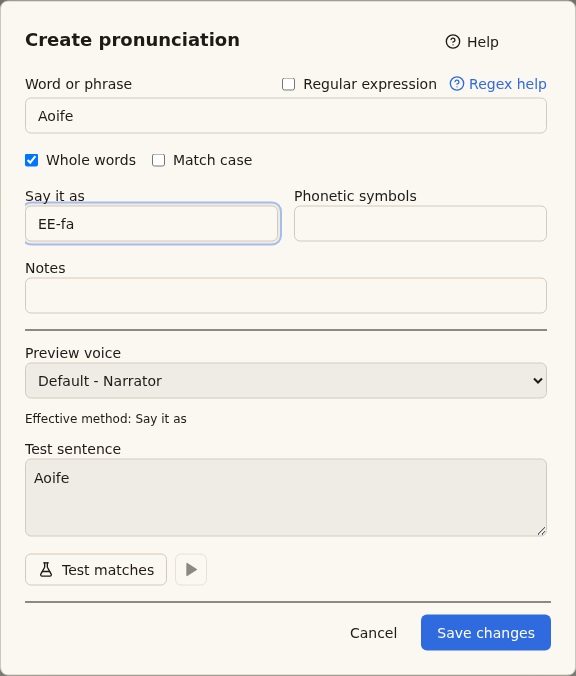
Preview pronunciation rules in context before using them across a manuscript.
English audio
Sample two of the available voices, with or without sound effects.
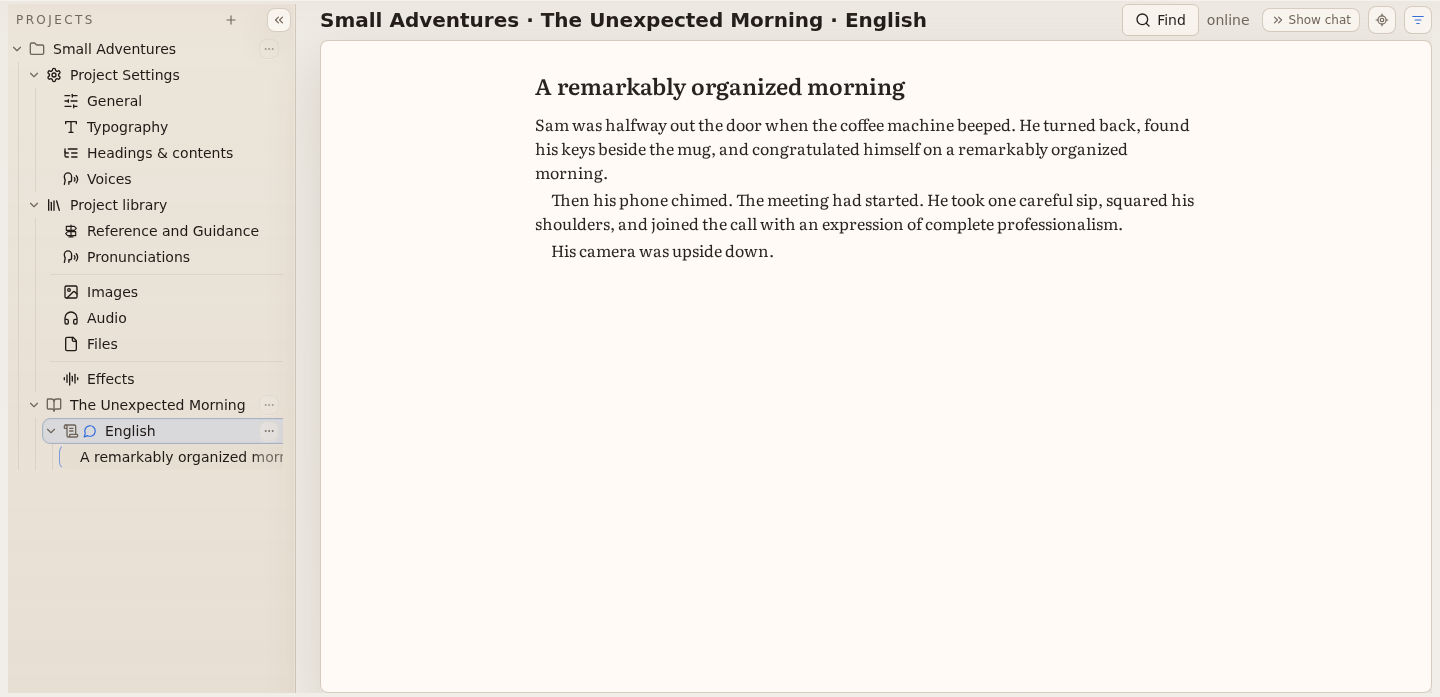
[Sound cue: coffee machine beeps]At 8:57, Sam was halfway out the door when the coffee machine beeped.
He turned back, found his keys beside the mug, and congratulated himself on a remarkably organized morning.
[Sound cue: mug clinks]His mug clinked onto the desk.
[Sound cue: phone chimes]Then his phone chimed.
The online meeting had started.
He took one careful sip, squared his shoulders, and joined the call with an expression of complete professionalism.
His camera was upside down.
Twelve coworkers were politely studying the ceiling.
Prerecorded English audio · Orion
Mark selected passages with expressive directions and add vocal cues where they belong, when supported by your selected narration engine.
Currently supported with xAI only. Performance varies; this recording is an illustrative example.
In the directed Orion example, the middle sentence is marked soft and slow, followed by a sigh before the final sentence. The sigh is a vocal cue, not an added sound effect.
The room grew quiet.
[Expressive direction: soft, slow] Take a quiet moment before we continue.
[Vocal cue: sigh] Now we can begin again.
Project Library
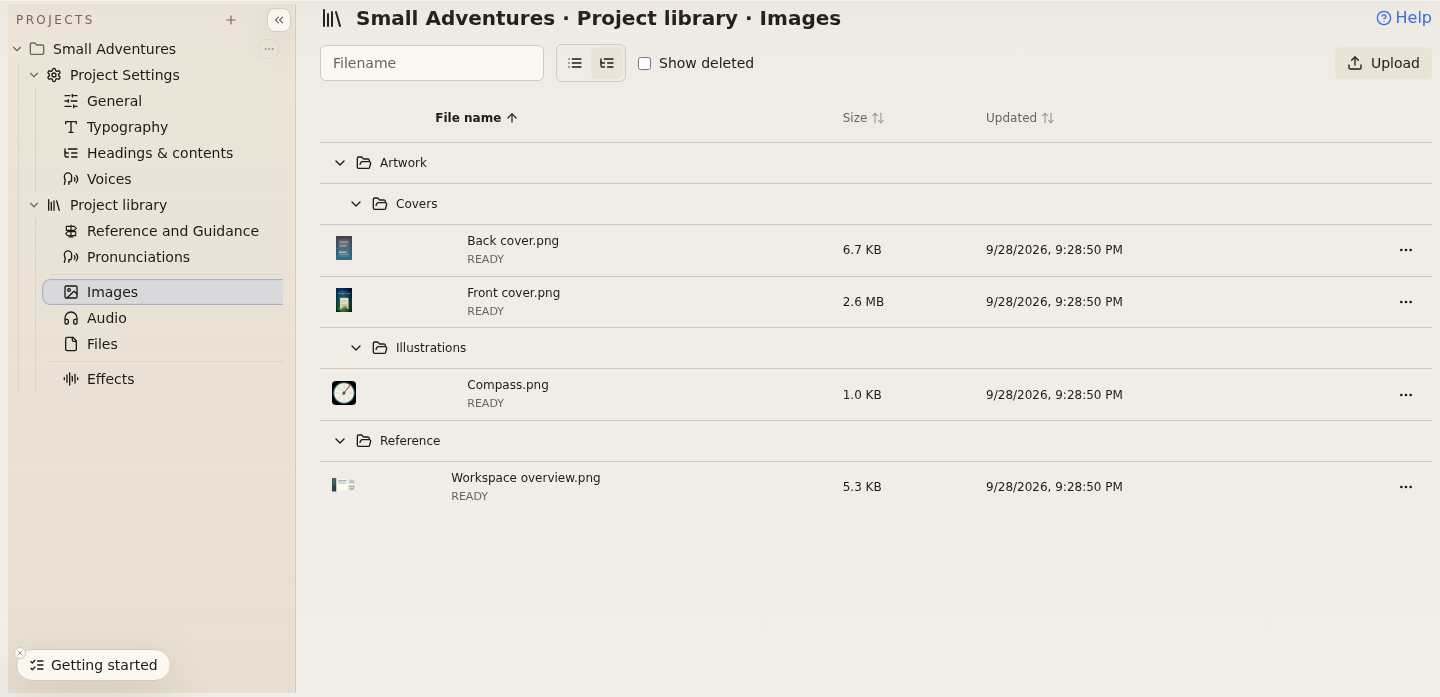
Keep shared reference, pronunciations, media, and effects together in Project Library, with file previews and folders to stay organized.
Project Settings helps keep typography, headings, and narration consistent across your project.
Move or rename files and optionally update supported references in current content. Manuscript prose and saved versions stay unchanged.
Continuity with context
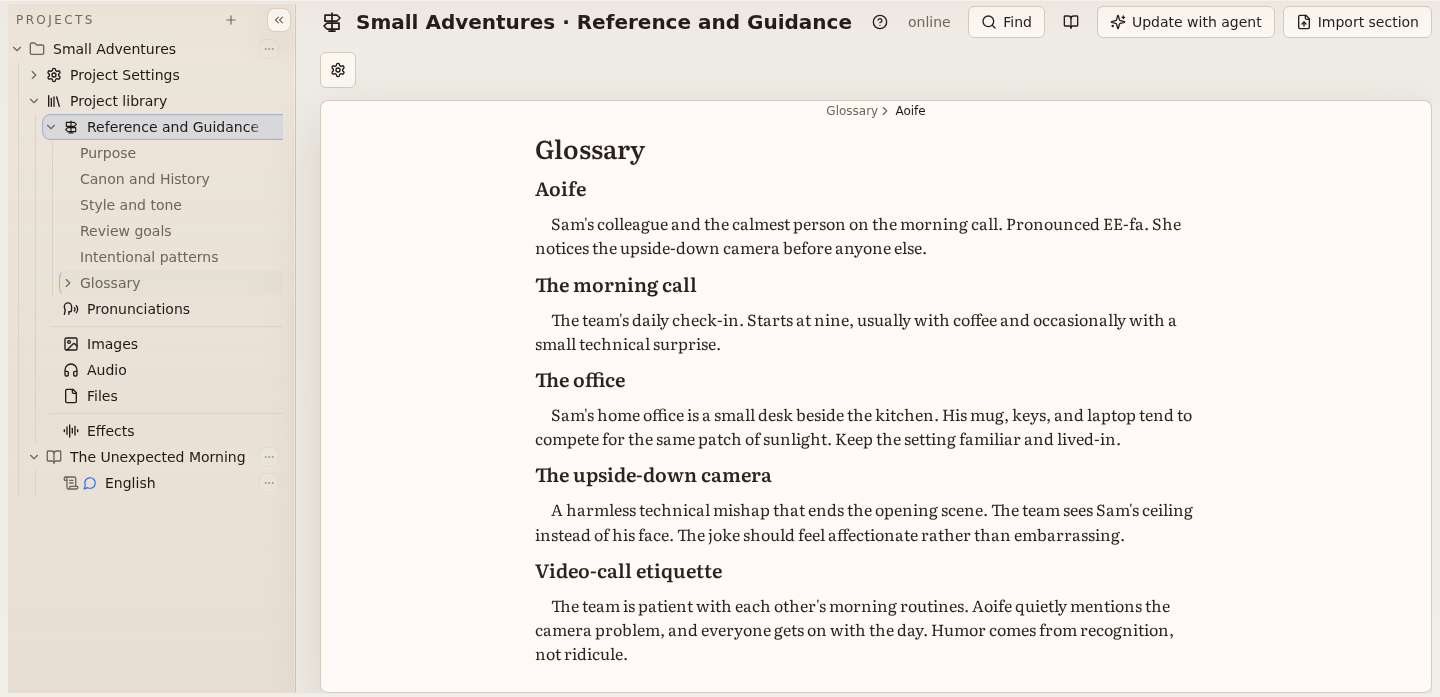
Keep characters, places, terminology, and creative direction close to the work so collaborators and optional agents share the same context.
Agents suggest updates to Reference and Guidance. You decide which proposals to accept; agents cannot directly rewrite your manuscript.
Technical and educational writing
Compose equations in context and keep mathematical notation with the surrounding manuscript for ebook output.
Equations are included in EPUB output. Audio previews do not narrate equations.
A workspace that grows with the book
Organize projects, books, and manuscripts, then bring collaborators into the work you share.
Use agent assistance when it fits your process, or keep writing without it. Proposed changes remain reviewable.
Explore the Project Library and try narrated examples with expressive directions and vocal cues in the Welcome Project. Follow the guide and help articles to get started.
Questions
Create an account, open the Welcome Project, and follow the Author Guide from your first manuscript through a short preview.
No. AI assistance is optional. You can write, organize, collaborate, and prepare outputs without using an agent.
BadgerLeaf prepares EPUB ebooks and M4B audiobooks from your structured manuscript and selected settings.
Some features and processing have account allowances. The authenticated Usage and Billing area shows the allowances that apply to your account.
Not today. Physical print is a future ambition, with no availability date promised.
Ask questions, share what you’re working on, and swap writing tips with fellow BadgerLeaf users.
Join us on Reddit