

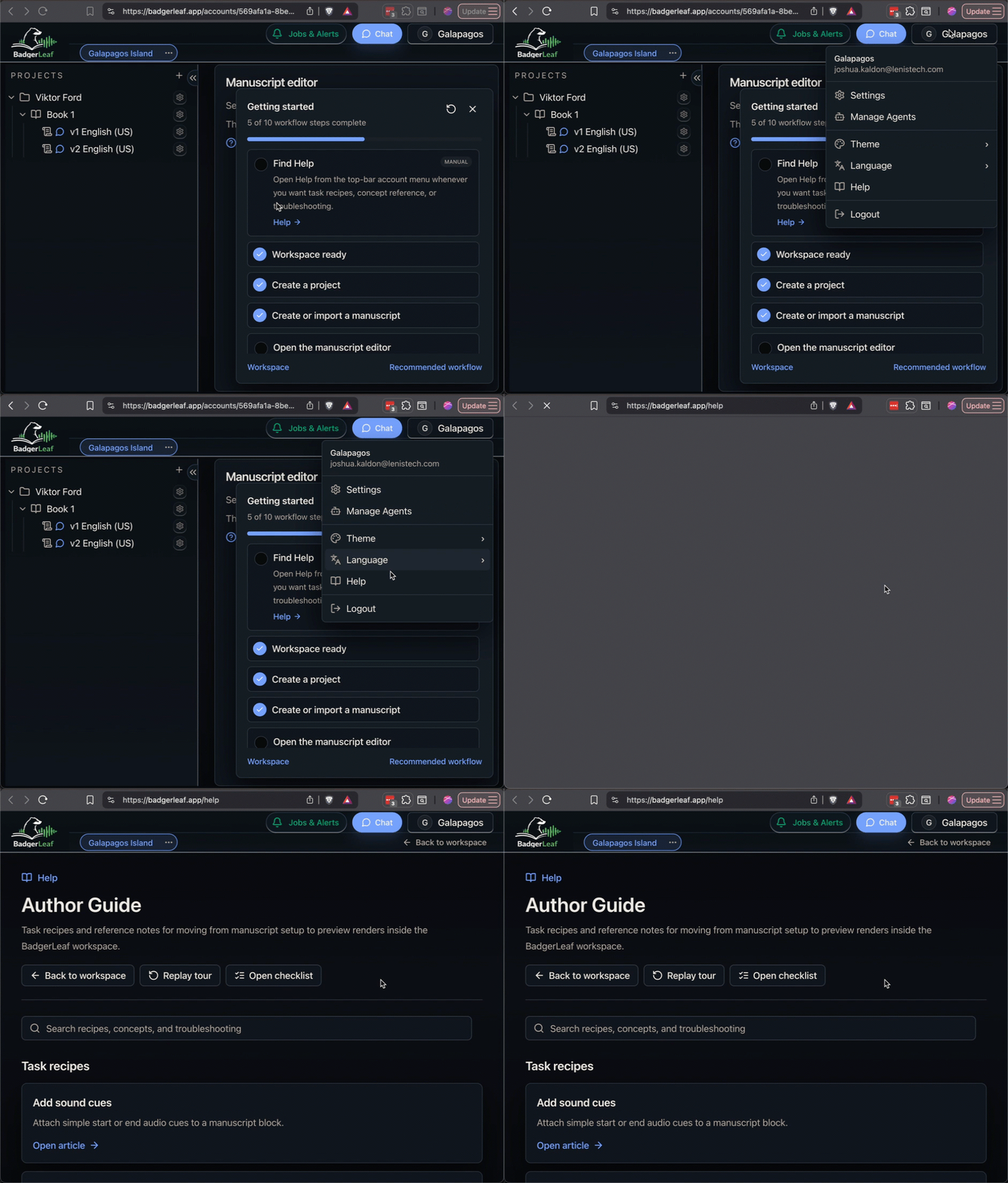
Help opens in a separate BadgerLeaf Help tab or window so you can keep the workspace open while reading task recipes, concept reference, or troubleshooting notes.
- Open the account menu in the top bar.
- Select Help.
- Leave the Help tab open while you work. Future Help links reuse that same tab or window.
Start with Recommended first workflow when you want the shortest guided path through the workspace.